
Is Adblock free?
Yes. Core supported ad-blocking features are free. Optional Premium controls are billed separately.
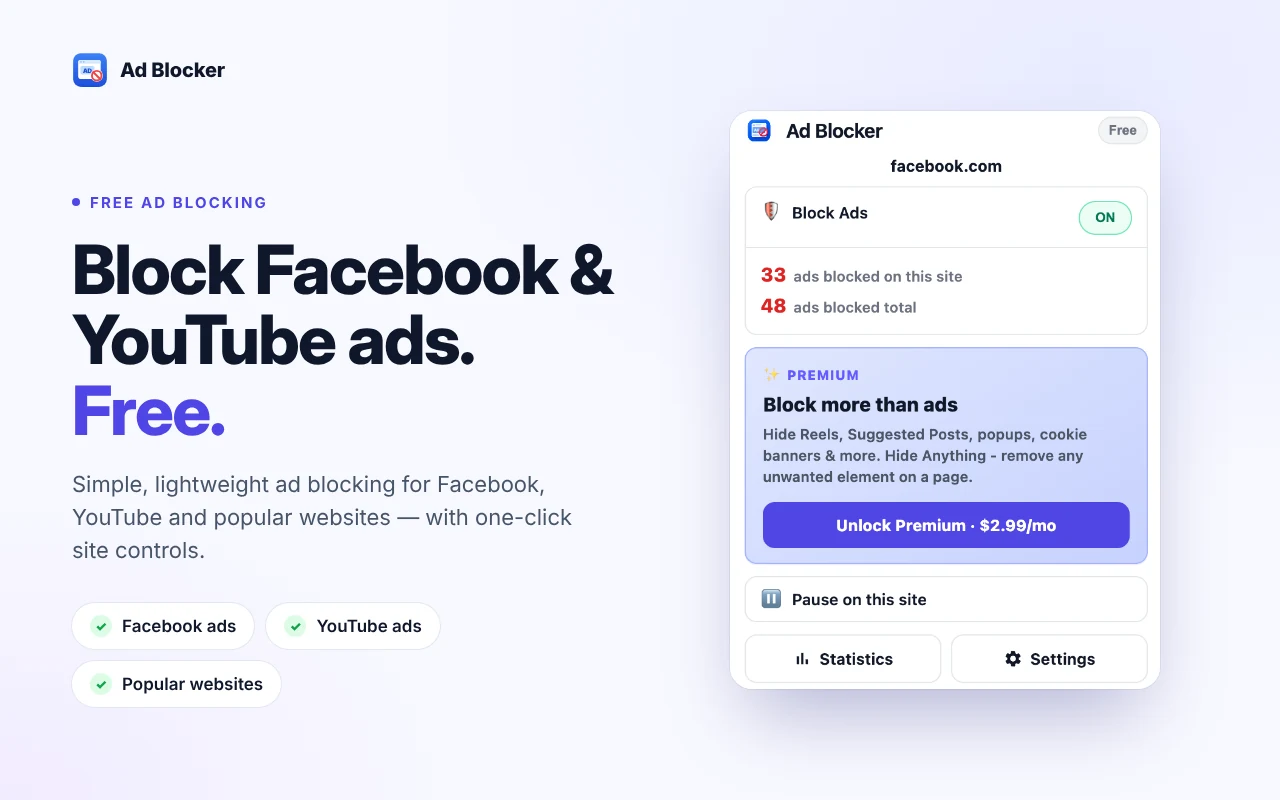
Block supported Facebook sponsored posts, YouTube ads, and ads on popular websites with Adblock, a Chrome extension for a cleaner browsing experience. Pause protection on individual sites and see how many ads have been blocked.
Start with free ad blocking. Optional Premium features add controls for feed content, cookie banners, and other supported distractions.
Free ad blocking, with optional Premium ($2.99 / month or $29.99 / year).
 1 / 5
1 / 5Adblock is a Chrome extension that blocks supported advertising elements on Facebook, YouTube, and popular websites. It includes site-level controls, an ads-blocked counter, and optional Premium features for hiding supported content and distractions.
Blocking runs locally in the browser where possible. Missed-ad reports may use limited technical diagnostics - see the privacy policy for full details.
Hide supported sponsored posts and advertising elements.
Block supported ads and advertising requests on supported sites.
View the number of ads blocked on the current site and the overall counter.
Temporarily disable protection for a site when needed.
Hide supported Reels, Suggested Posts, and Recommendations.
Hide supported floating videos, newsletter popups, and notification prompts.
Hide supported cookie consent banners.
Remove selected unwanted page elements where supported.
$0
$2.99 / month or $29.99 / year
Reduce supported advertising elements and distractions while browsing in Chrome.
Hide supported sponsored posts and optionally reduce other feed elements with Premium.
Block supported ads and advertising requests on supported sites.
Pause protection on a specific site without disabling it everywhere.
Yes. Core supported ad-blocking features are free. Optional Premium controls are billed separately.
It hides supported Facebook sponsored posts and ad elements. Results may vary as websites change their interfaces and ad delivery.
It blocks supported YouTube ads and advertising requests. Do not expect that every ad will always be blocked.
Yes. The extension includes a site-level pause control.
Premium adds supported Facebook feed controls, distraction blocking, cookie-banner hiding, and the ability to hide selected page elements.
The extension describes blocking as local in the browser where possible. Check the current privacy policy for complete data-handling details, including limited technical diagnostics.
Adblock is designed to perform blocking locally where possible. Keep this description consistent with the privacy policy and the Chrome Web Store disclosure.
Block supported ads, pause protection by site, and enable optional distraction controls when you need them.
Add Adblock to Chrome - Free